BizStore on your phone — checkout and scanner always at hand.
Sell, check price and stock by barcode, pick orders in the warehouse — right from your phone. There is an app for Android, and on any phone BizStore also works in the browser.
APK file — for Android phones. On iPhone, open my.bizstore.app in Safari.
- Androidavailable
- iPhonecoming soon
- Browseron any phone
What you can do on a phone
The essentials for the seller and the owner — in your pocket. Everything else — on a computer or tablet.
-
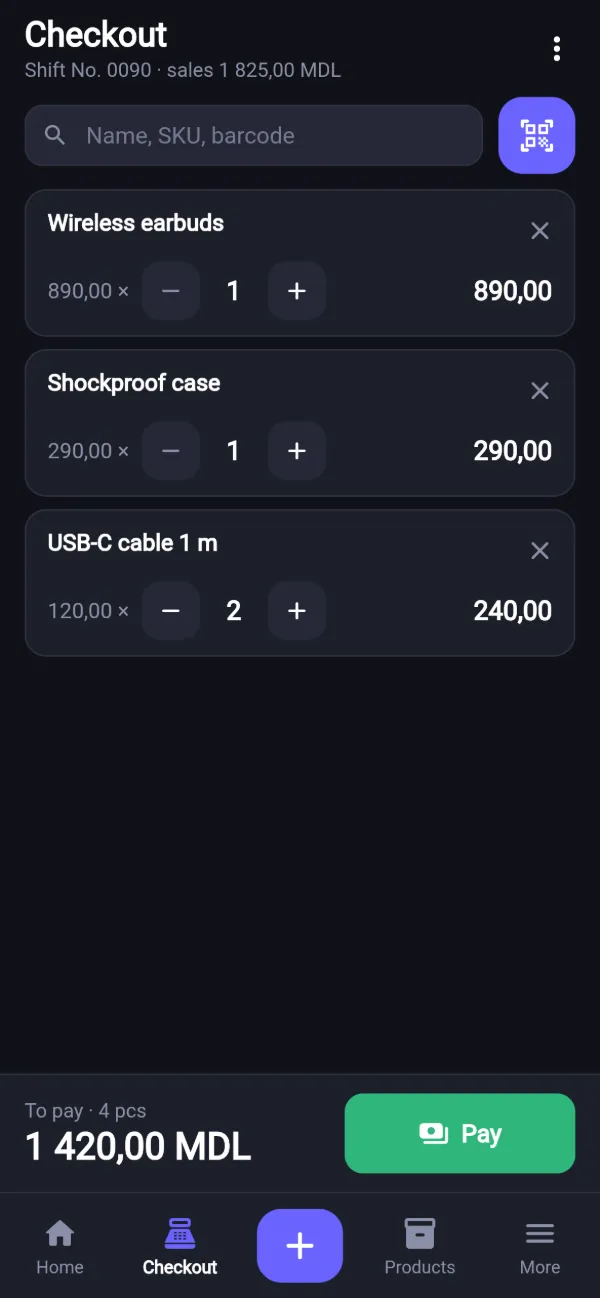
Checkout
Search by name, camera scanning, cash or card, “customer gave” and change. Open and close the shift.
-
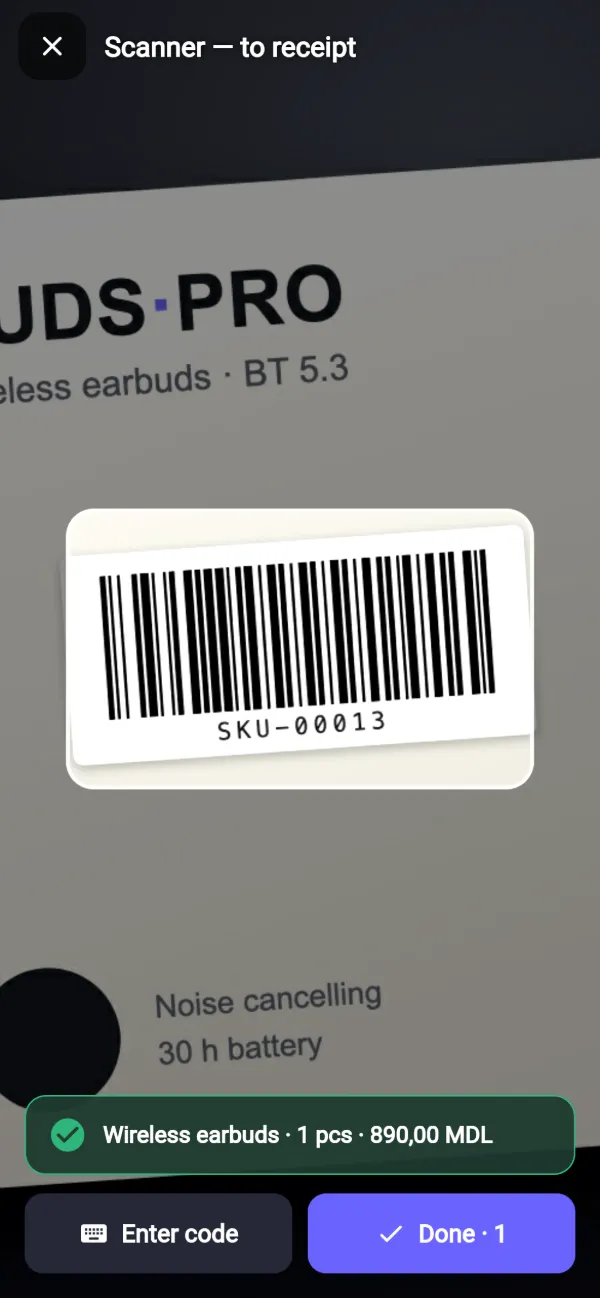
Camera scanner
Point the camera at a barcode — the item goes straight into the receipt. A sound and a vibration confirm the code was read.
-
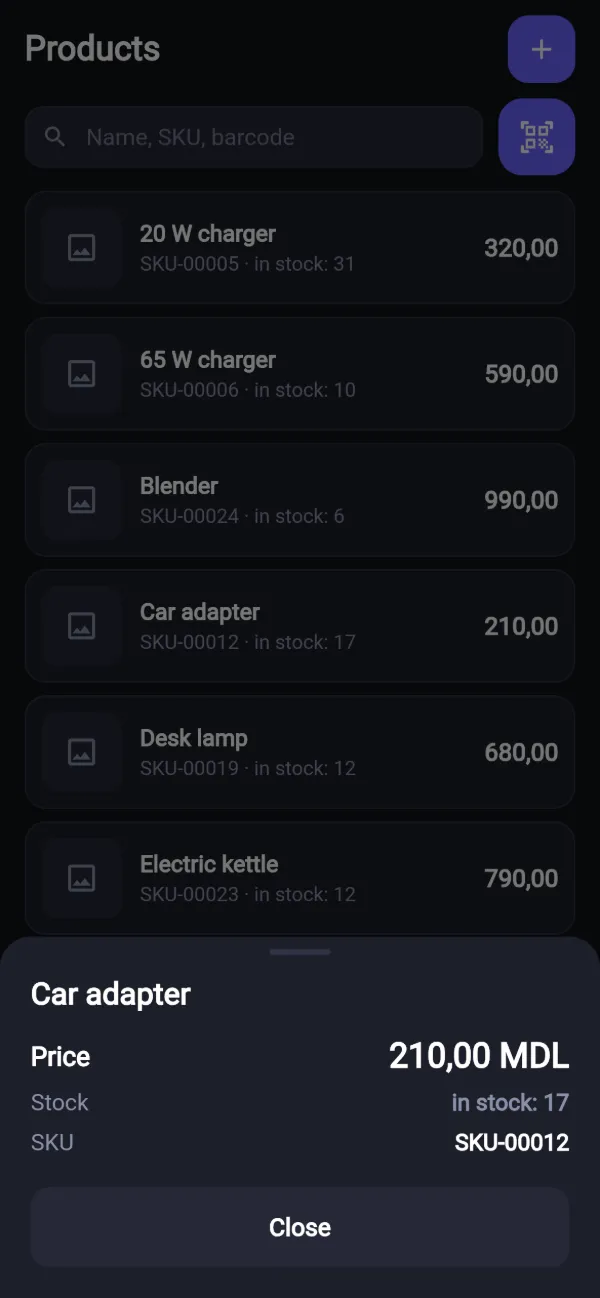
Price and stock
Scan an item or find it by name — the phone shows the price, stock and SKU.
-
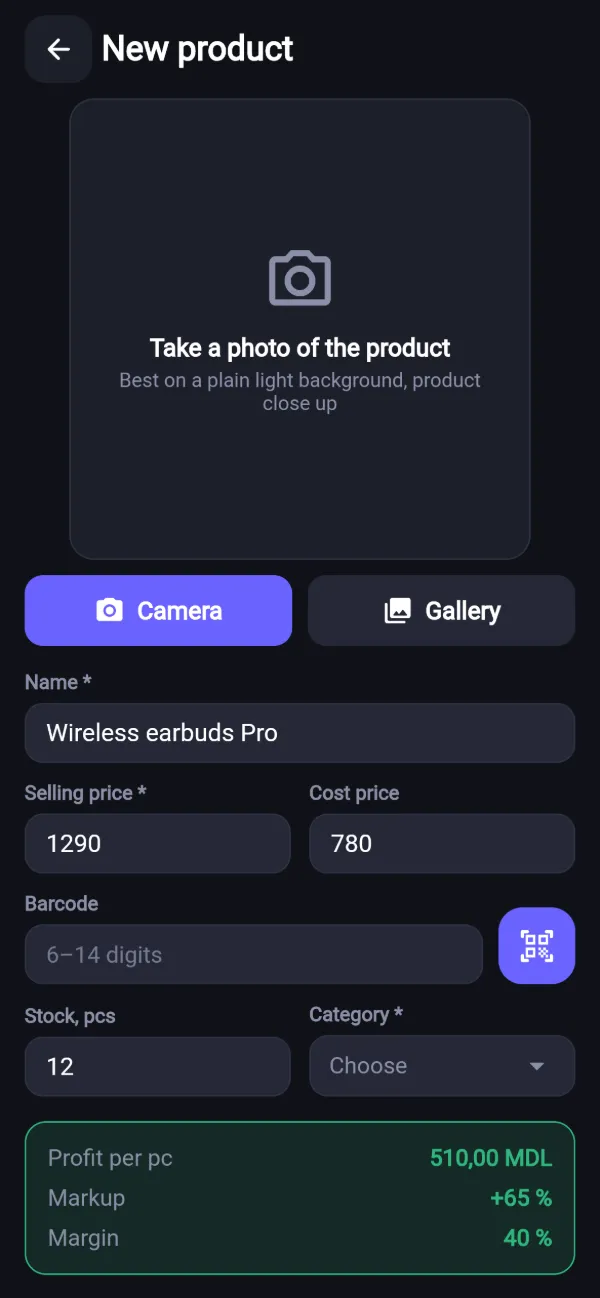
New product from the camera
Take a photo — BizStore puts it on a white background. Name, prices, stock — and the product is in the catalogue. Profit and markup are calculated right away.
-
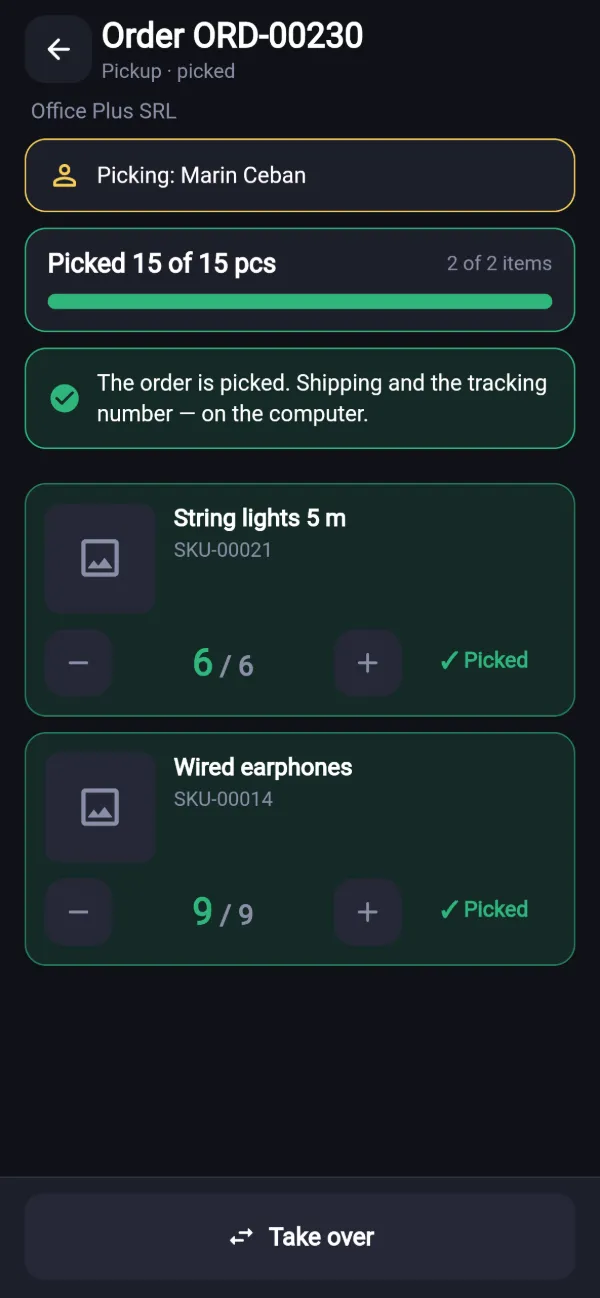
Order picking
Orders waiting to be picked, the item photo, the scanner and how many pieces are already picked. Shipping and the tracking number stay on the computer.
-
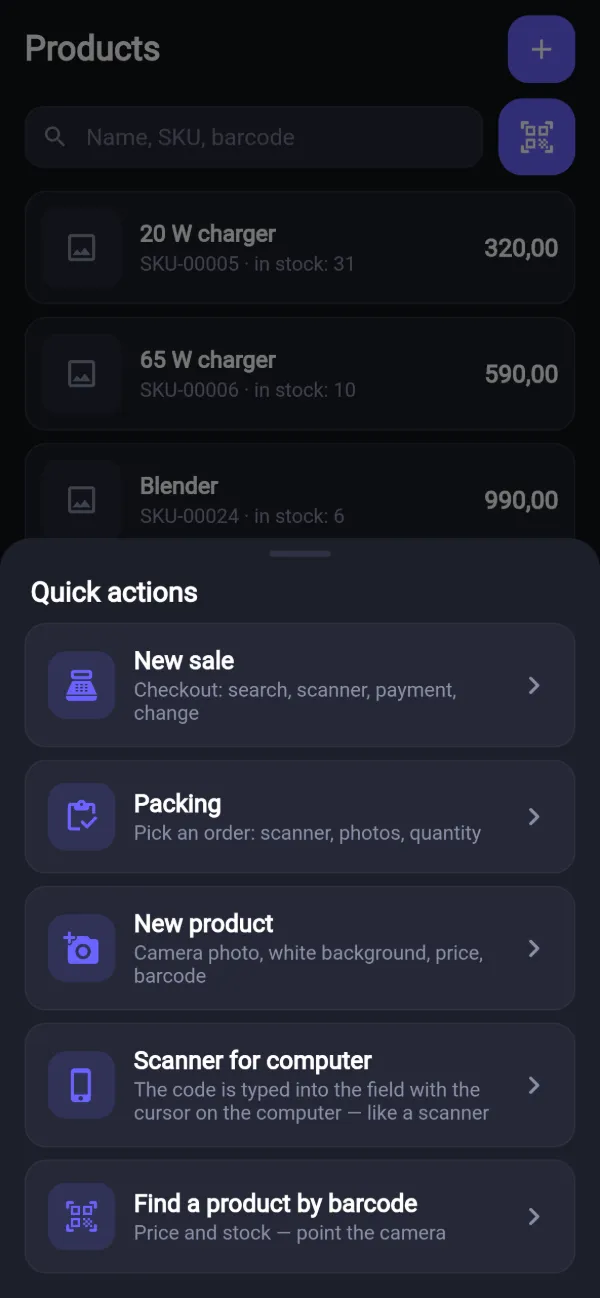
Your phone as a scanner for the computer
Connect the phone to the computer with a QR code. The scanned code goes into the field where the cursor is — like a USB scanner.
What it looks like
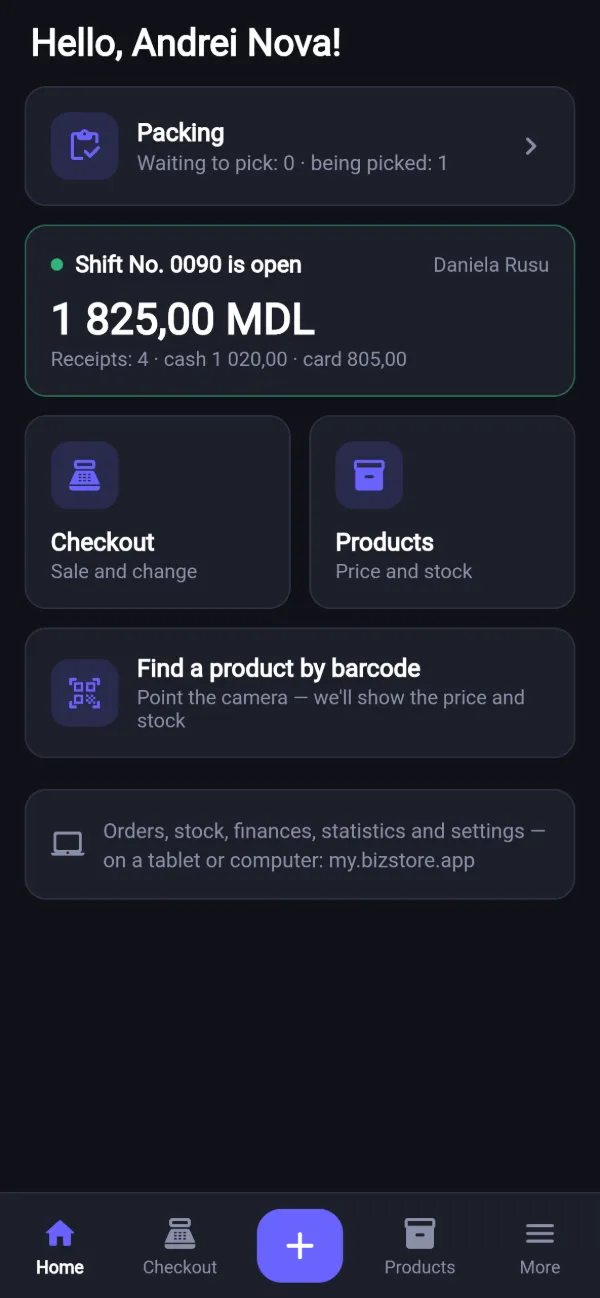
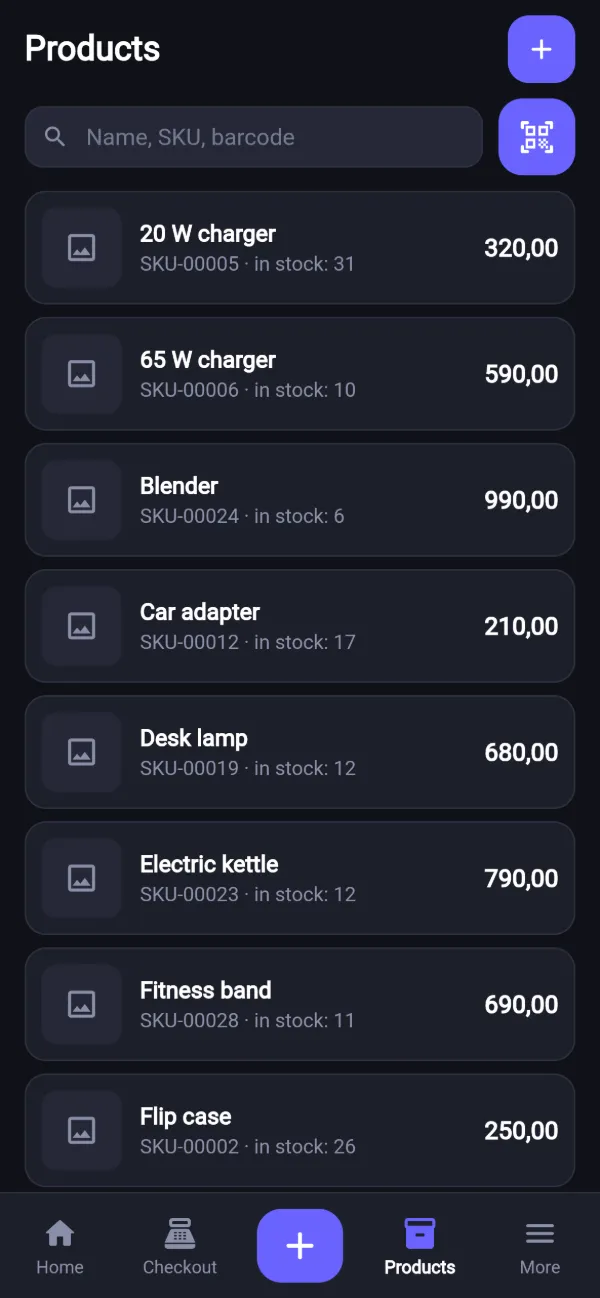
This is BizStore on a phone: a dark theme and big buttons that are easy to tap. Real app screens — the “Nova Market” demo store.
- Home: shift and picking
- Camera scanner
- Checkout
- Products
- Price and stock
- New product
- Quick actions
- Packing
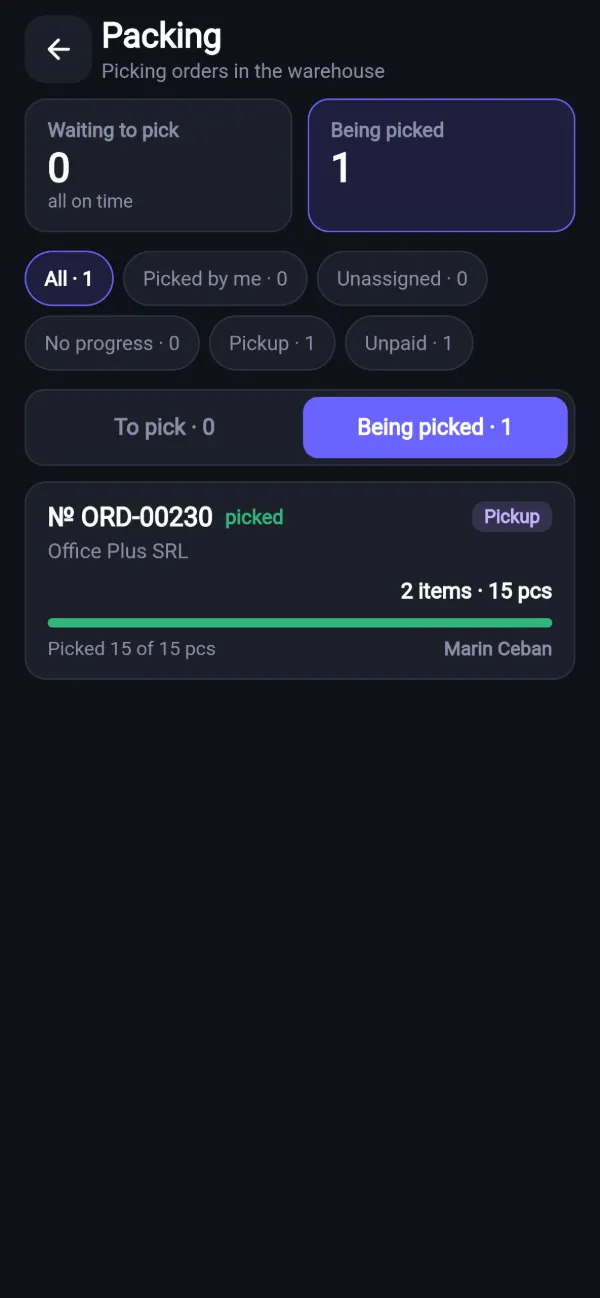
- Picking an order
How to install on Android
Three steps, a couple of minutes. The app is not from Google Play, so Android asks for permission once.
- 1
Download the file
Open this page on your phone and tap “Download for Android”. The file is about 48 MB.
- 2
Allow the install
Android warns: “unknown app”. It says this about every app that is not from Google Play. Tap “Settings”, allow installs from your browser and go back.
- 3
Sign in to your store
Open BizStore and sign in with your email and password — your store is already there. The app offers new versions by itself.
You need Android 7.0 or newer and a 64-bit phone — that is almost every phone since 2019.
SHA-256 checksum of the file (version 1.0.2): b75d8c39ead44dc76c12cb6d615d12246d8e80984be0a95e29522aec241943d0
iPhone — app coming soon
We are preparing an iPhone app. Meanwhile, add the BizStore icon to your Home Screen — it opens BizStore full screen, like an app.
- Open my.bizstore.app in Safari
- Tap Share — the square with an arrow pointing up
- Choose “Add to Home Screen” → “Add”
No install — in the browser
On any phone — Android or iPhone — open my.bizstore.app in Chrome or Safari and sign in. Checkout, products, camera scanning and order picking work there too.
Open my.bizstore.appAnd this — on a computer or tablet
Orders, inventory, finances, statistics, customers and settings are easier on a big screen. It is one store: sell from the phone — the sale shows up on the computer right away.
-
Orders & packing
Packing, delivery, COD
Learn more -
Inventory
Stock, receiving, stocktaking
Learn more -
Finances
Accounts, income, expenses
Learn more -
Statistics
Sales, profit, losses
Learn more -
Customers & CRM
Statuses, debts, birthdays
Learn more -
Team & permissions
Roles and access rights
Learn more
Questions about the app
How much does the app cost?
Nothing extra: it is included in your BizStore plan. You only pay for the plan — you choose and pay for it in the BizStore web version; the app has no payments. The first 14 days are free.
Is it safe? Why does Android show a warning?
Android warns about every app that is not from Google Play — it does not mean something is wrong with the file. Download BizStore only from bizstore.app: the file is signed with the BizStore key, and an update installs only over our own app. Store data is not kept on the phone — after you sign out, nothing is left on the device.
Which phone do I need?
Android 7.0 or newer, 64-bit (almost every phone since 2019), with a camera for the scanner. You need internet: the store data is kept on the server.
How do I update the app?
The app checks for new versions by itself and shows a banner “A new version of BizStore is available · Download”. Tap it — Android installs the update over the old one, and you stay signed in.
When will there be an iPhone app?
We are working on it, no exact date yet. For now, on iPhone open my.bizstore.app in Safari and add the icon to your Home Screen — checkout, products and the scanner work the same.
Is the data shared between the phone and the computer?
Yes, it is the same store. Sales, products and stock show up on every device right away. Each employee signs in under their own name and sees only what they are allowed to.
Can I try the demo on a phone?
The demo store opens on a tablet or computer. On a phone BizStore works after you sign in to your own store — 14 days free.
Ready to get your store in order?
14 days free, every section open. No card needed.
The demo opens without signing up: a real store, view only.